Channel Simplify

A local channel manager where every option feels obvious to the user

My Role
Design Lead, UI Design
Duration
4 months, from start to dev handover
Focus
Competitive Analysis · User Research · Information Architecture · Card Sorting · Navigation Design · Design System
  • At a glance

    every action on a page visible without digging

  • Flows first

    architecture and flows settled before wireframes

  • One system

    design system, patterns and a full icon pack

As good as global, made locally

Nepal had no local channel manager. The goal was one at least as good as the global options.

Hotels manage their rooms and rates across many booking platforms through a channel manager. In Nepal, the hospitality sector relied on globally competitive software. ChannelSimplify set out to offer a local product that could stand next to them.
Hard to get in the room

If I couldn’t watch users, I could study the tools they already used every day.

Hotels were understandably reluctant to give up staff hours, and managers had little reason to let us observe their work. So I ran usability-focused teardowns of competing platforms. I looked at how each one was structured, where tasks lived, and how many steps they took. Hotel staff already knew these products, so they showed both the habits to respect and the friction to remove. The few interviews we did get filled in the rest. The details of that research are confidential, for ‘secret sauce’ reasons.

Bigger, not clearer

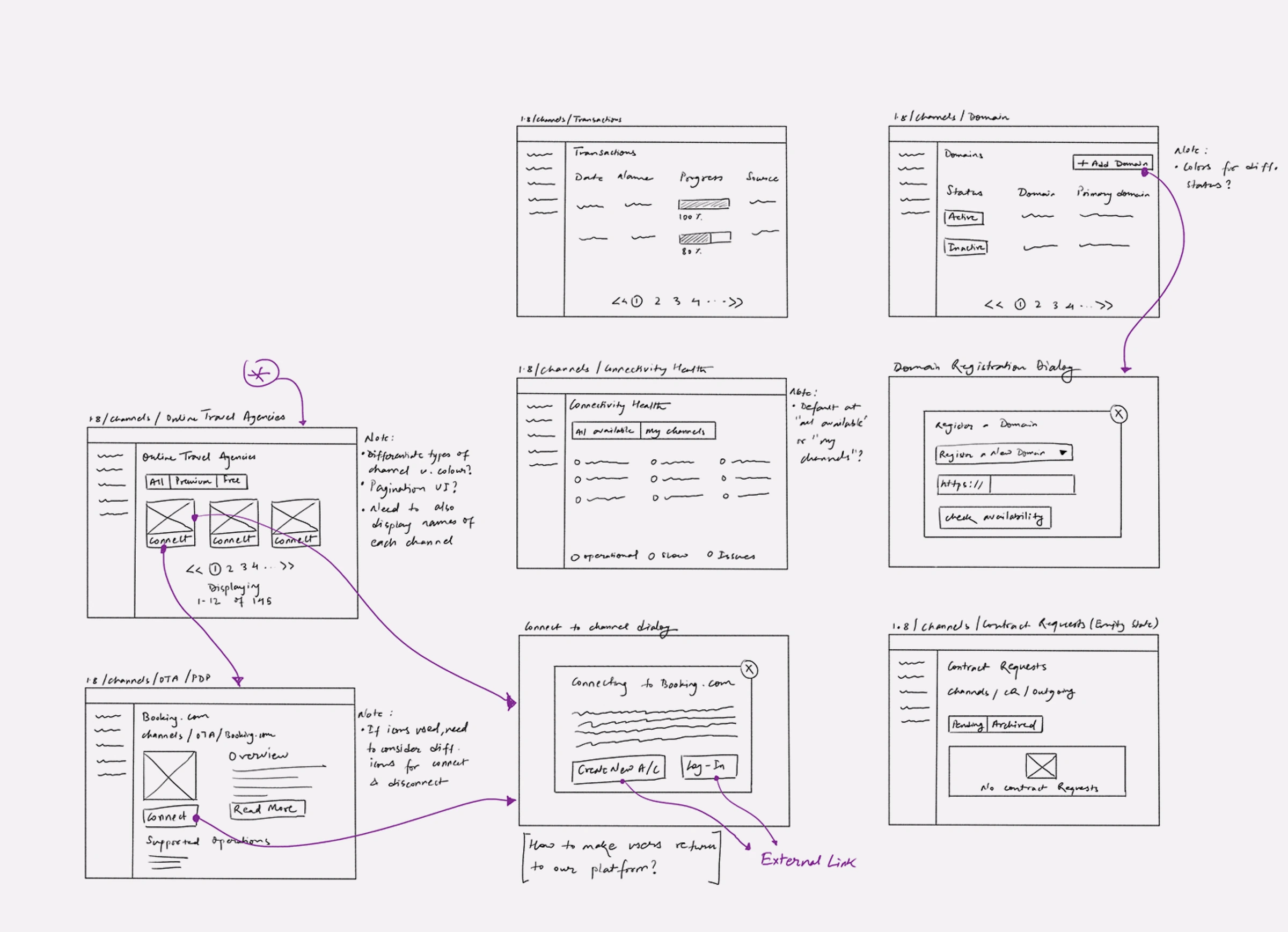
Hand-drawn wireframes of competitor flows

Channel managers are massive, and each competitor had only grown more confusing over time.

Features had been added on top of features. Options were buried under menus, sub-menus and extra clicks. Even after creating my own documentation, I usually got lost in the weeds of the competitor software.

What if a new channel manager felt like a calculator next to an abacus, with every option obvious to the user?

Structure before screens

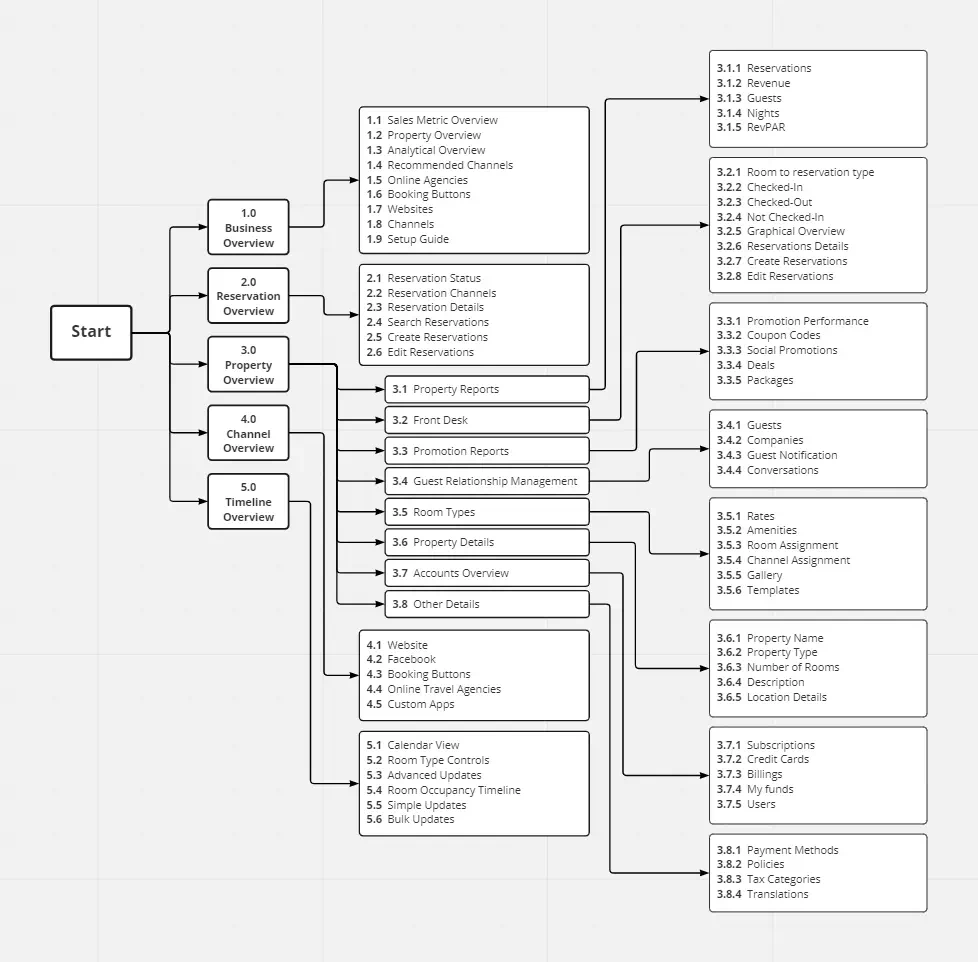
I settled the architecture and the flows before drawing a single wireframe.

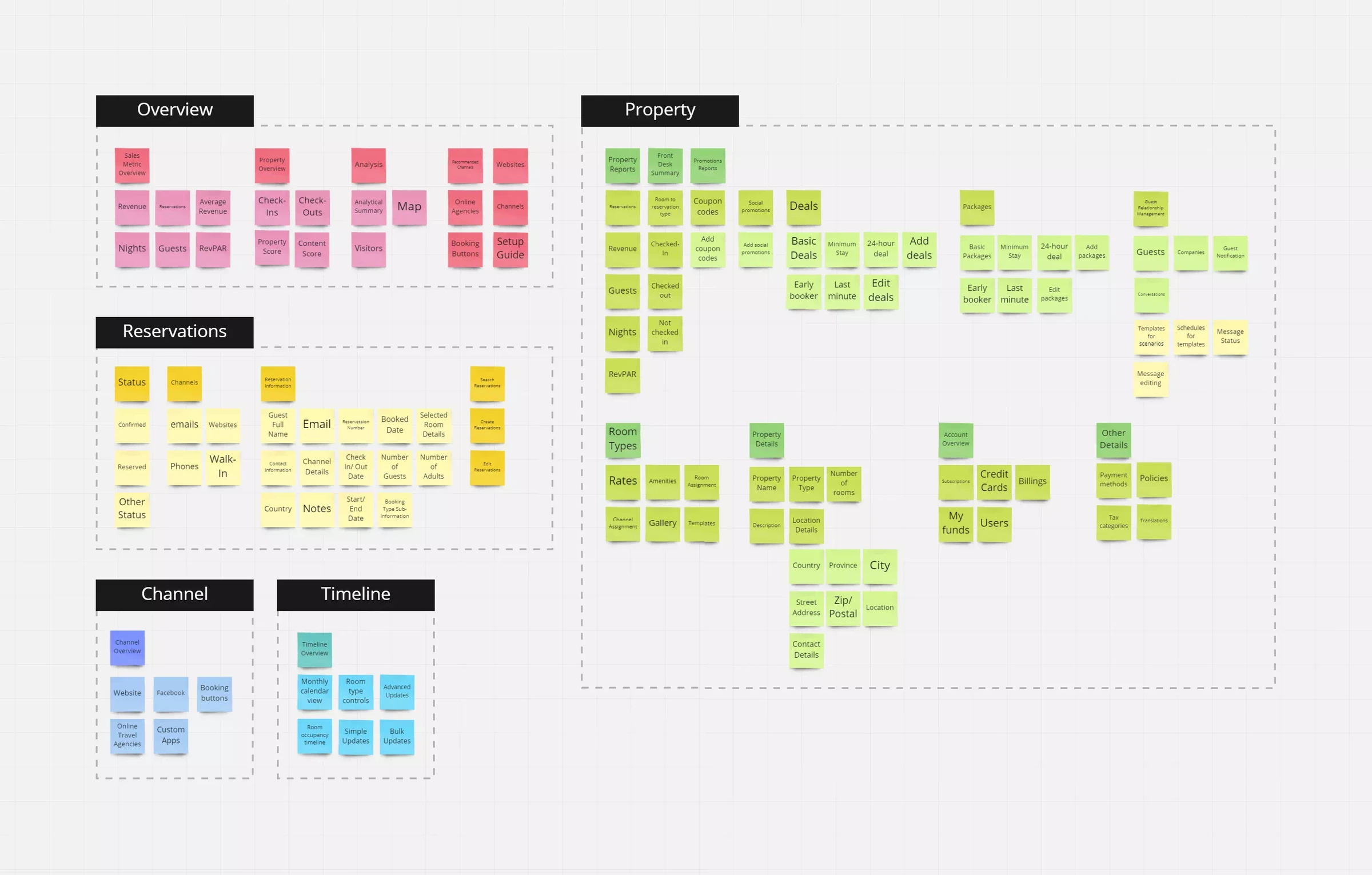
Card sorting showed how features naturally grouped. From there I planned the information architecture and the user flows up front. Key screens came only after the flows were agreed, which is what kept the product simple as its scope grew.

Keep the familiar sidebar

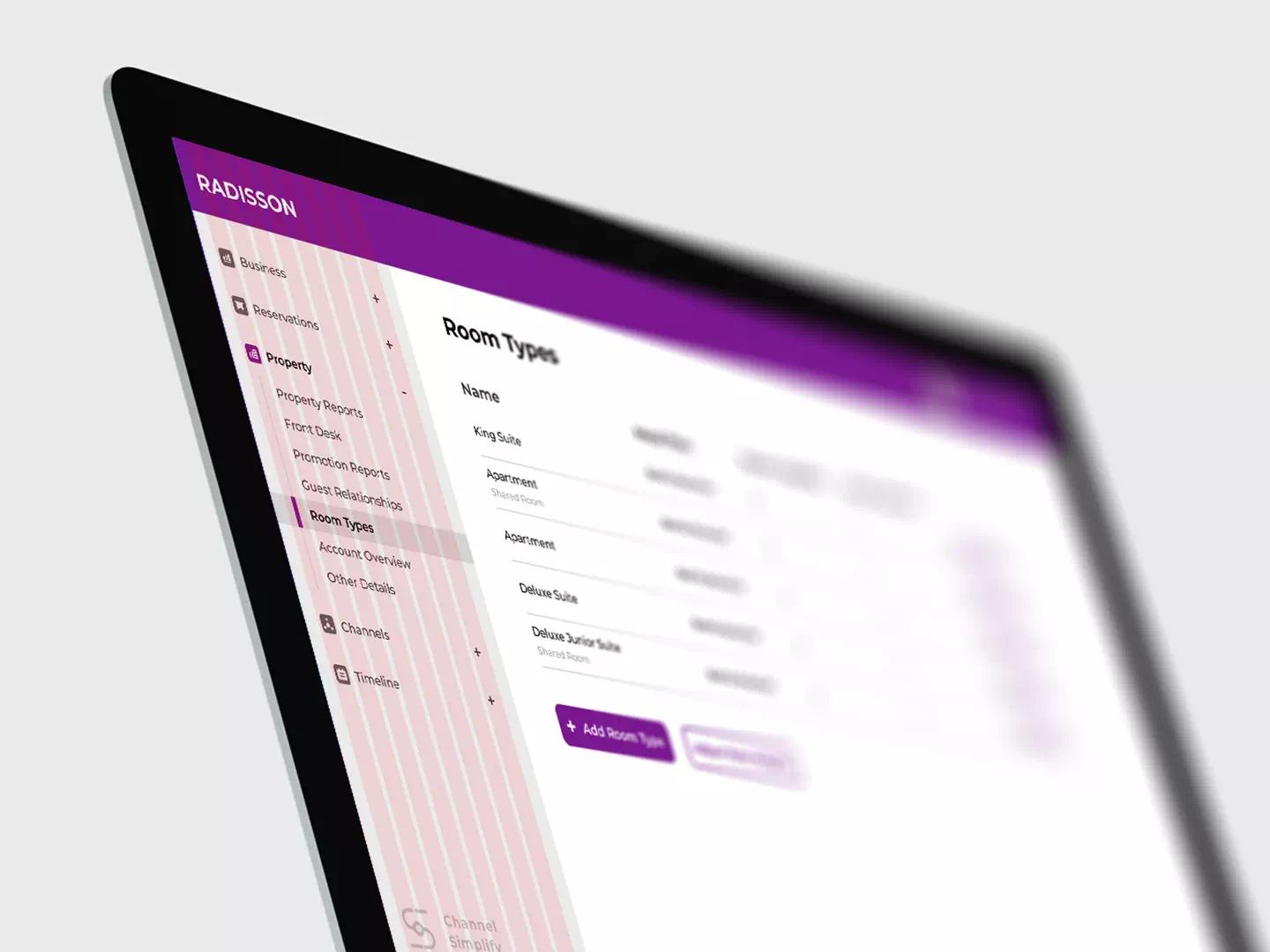
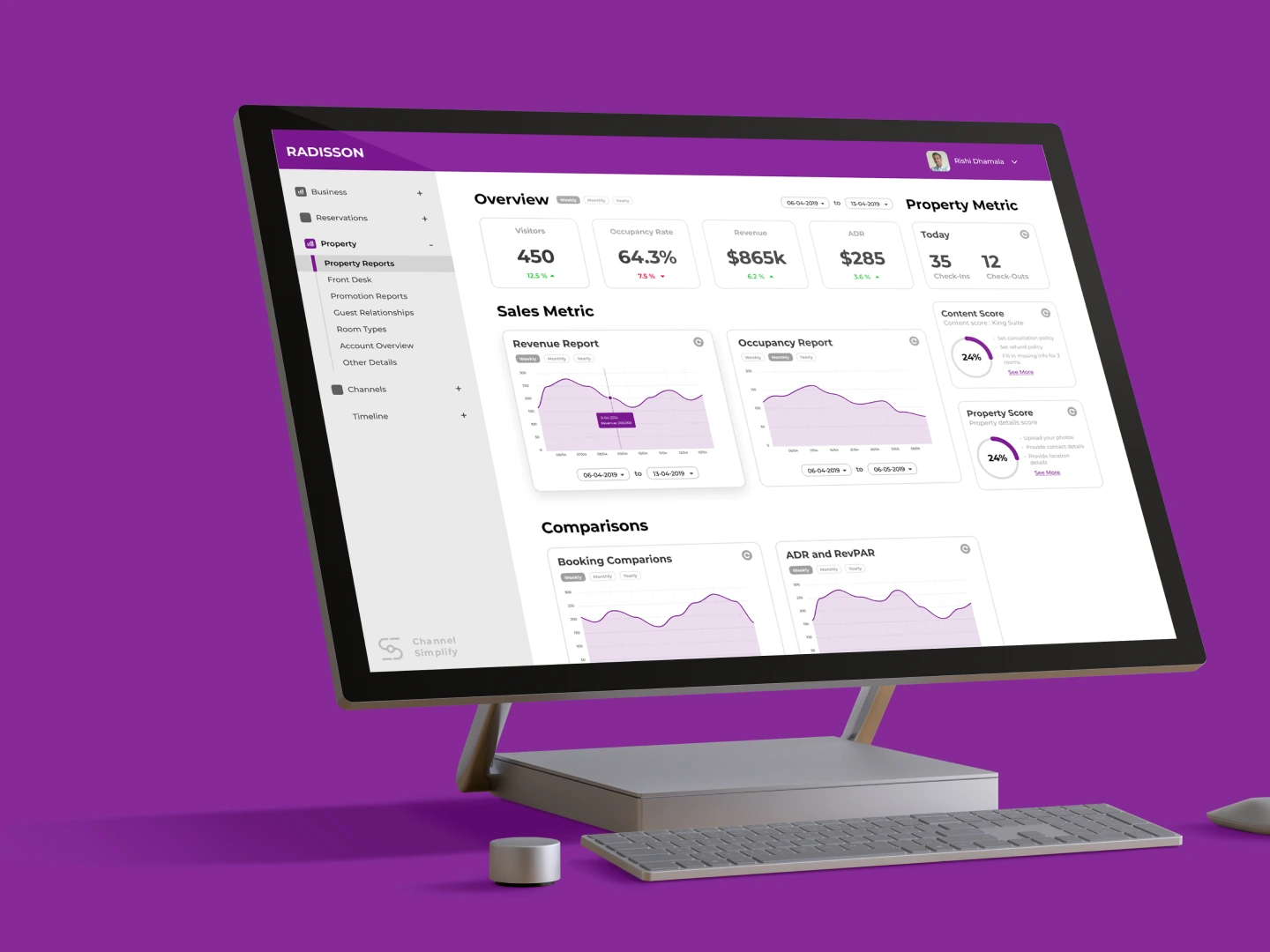
The side navigation on a monitor

Reinventing the main navigation wasn’t an option.

Every competing platform used a side navigation, and hotel staff were used to it. I kept that pattern and added nesting so the full product stayed reachable from one place.

Every action, at a glance

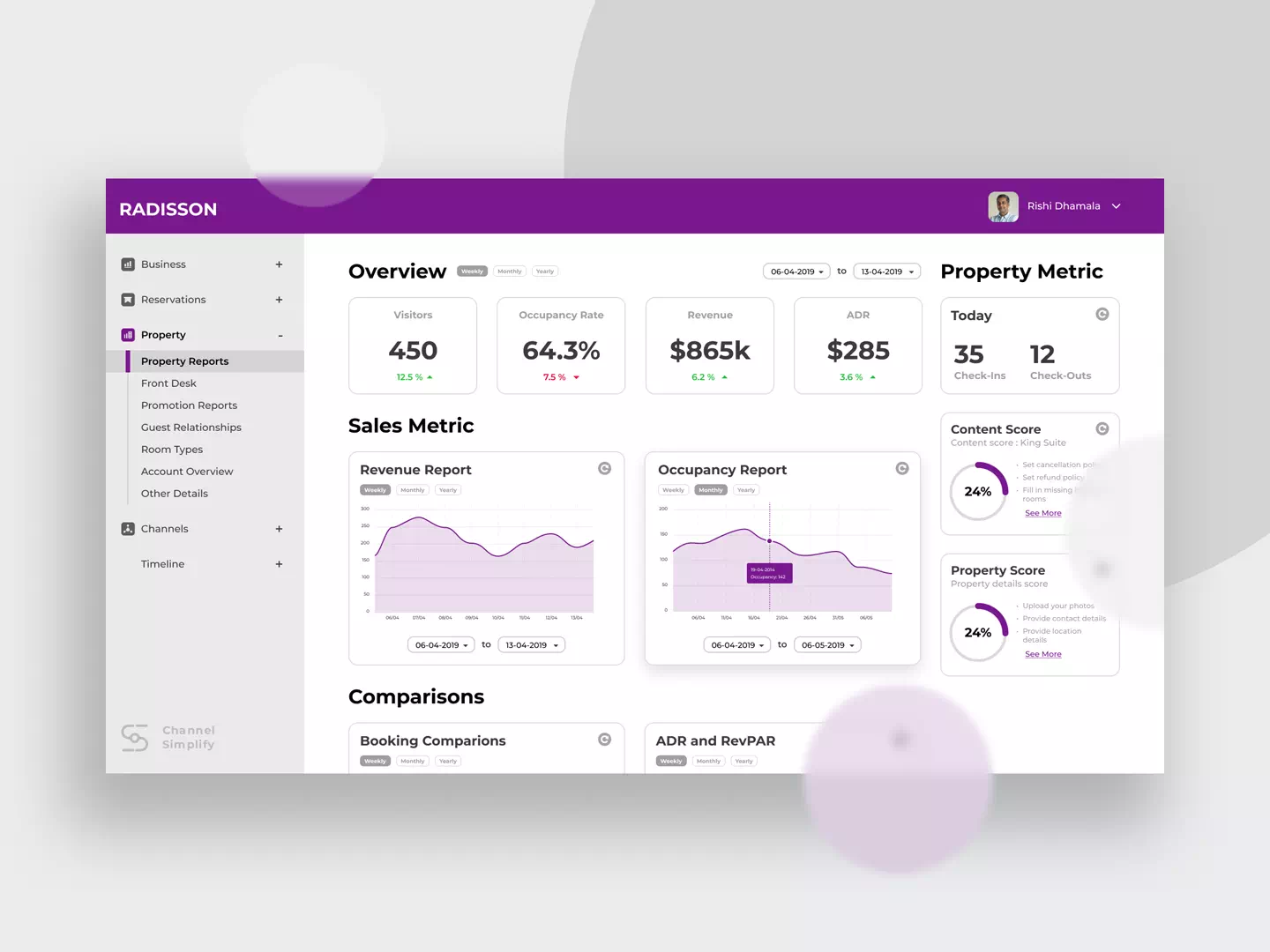
What changed was what happens inside a page.

Most platforms hide actions under menus and sub-menus. And if they don’t, you have to scroll to get where you want to go, which means you need to know where you’re going at all times. I replaced them with scrollable tabs, so everything you can do on a page is visible as soon as you land on it. A small decision, but this was the one pattern that set ChannelSimplify apart from the tools it competed with.

A system for a large product

A product this broad needed rules, not just screens.

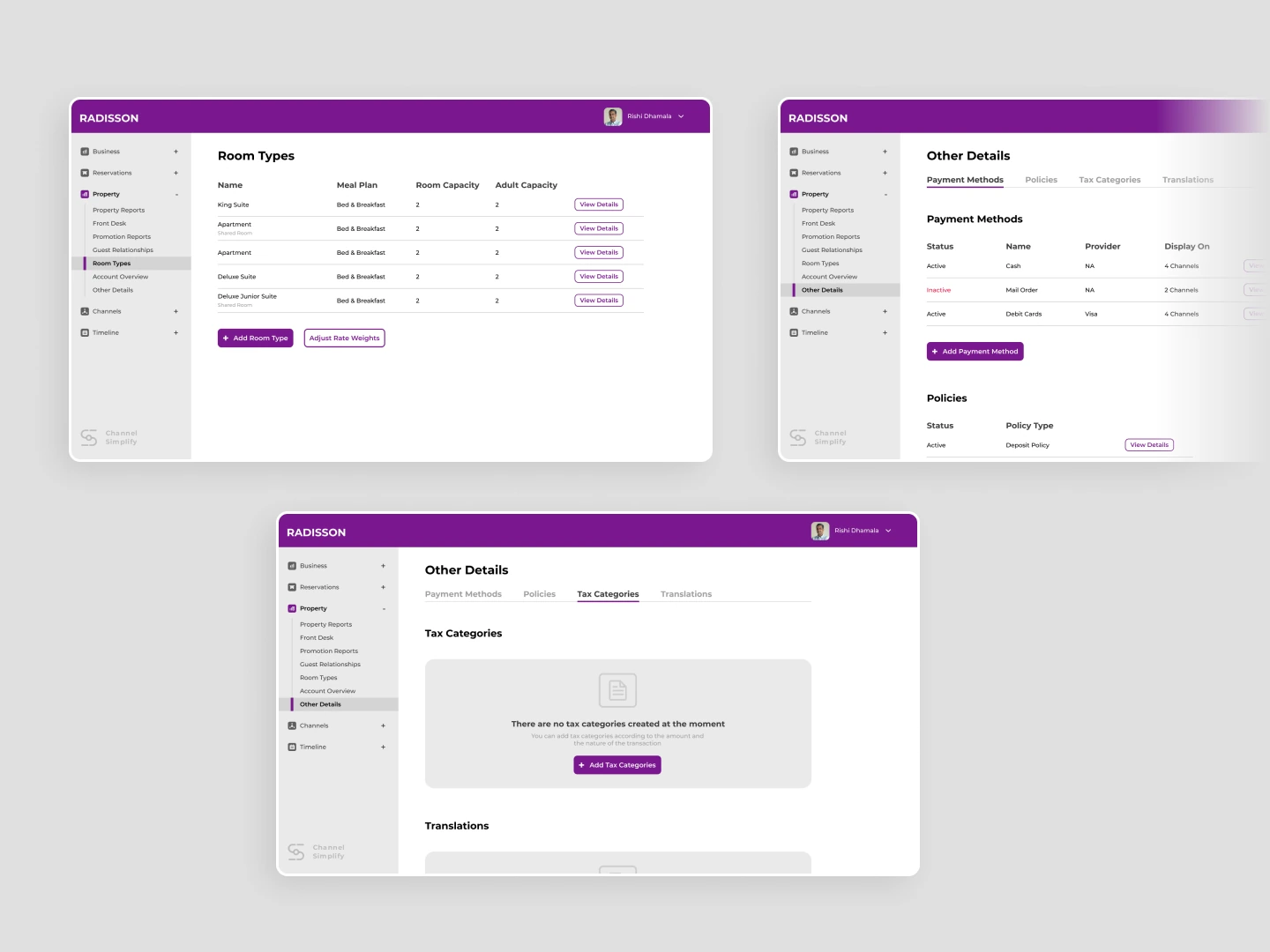
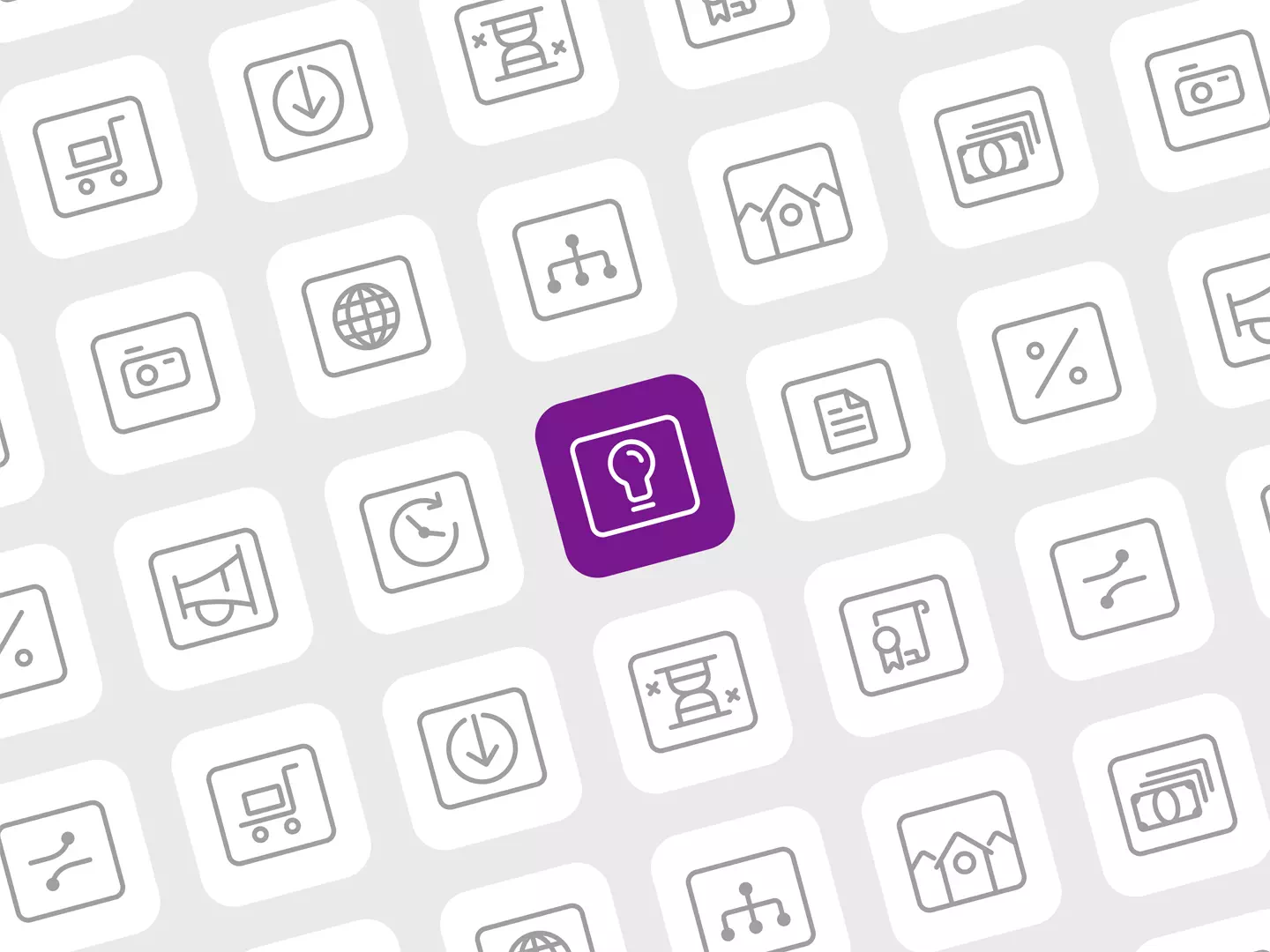
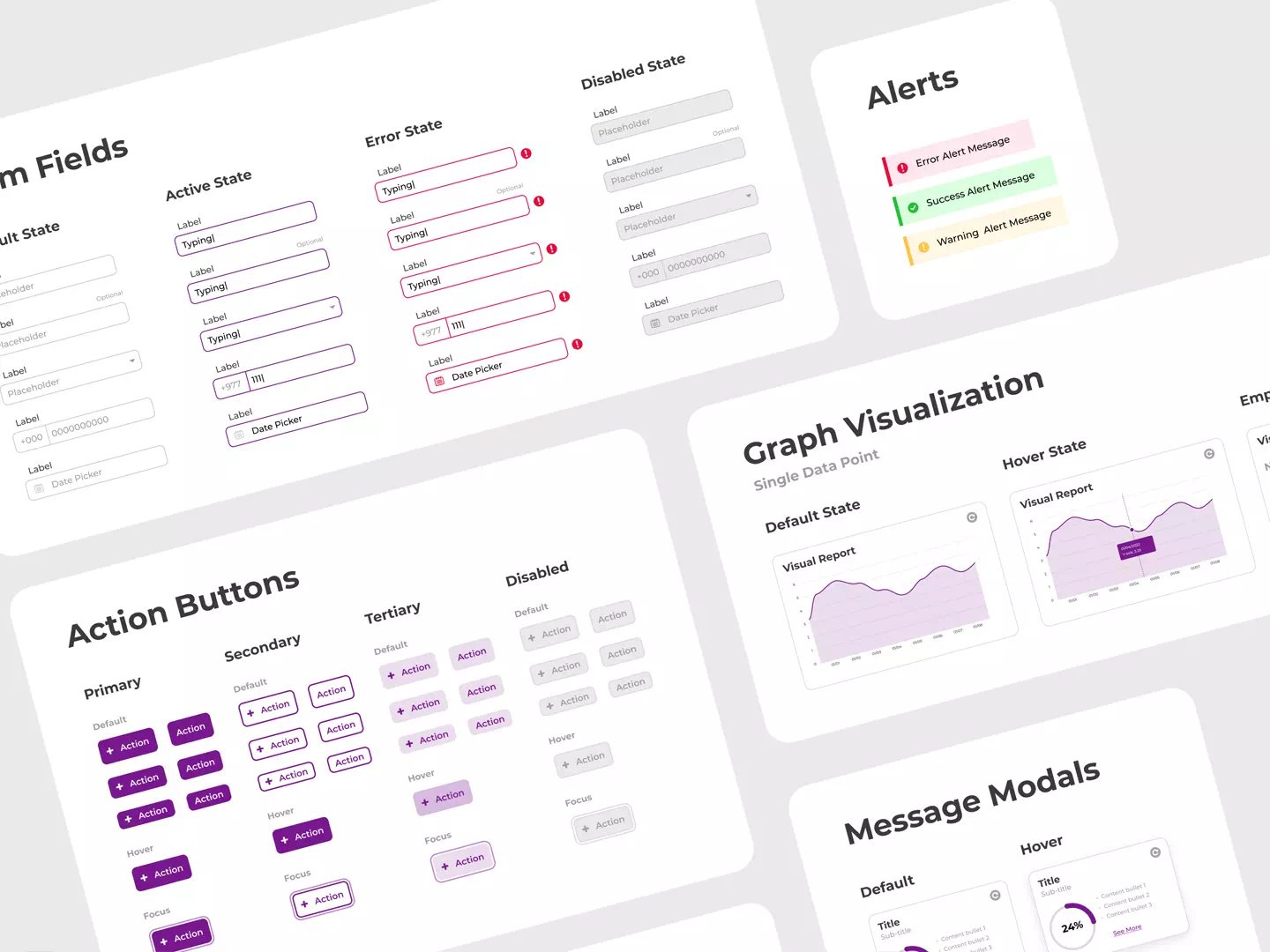
Once the visual direction was chosen, I built a design system with clear UI elements, defined patterns and an extensive, pixel-consistent icon pack. It gave the team one shared language across a large number of screens. The detailed flows, prototypes and a fleshed-out design system allowed for an easy hand-off, as I wouldn’t be around to answer questions.

Change only what matters

Simplicity didn’t come from removing features. It came from keeping what users already knew and changing the one thing that slowed them down. A design system for a product this size taught me that consistency is a habit, down to every icon. And working with six developers taught me that delegating and planning QA early are part of the design, not something that comes after it.